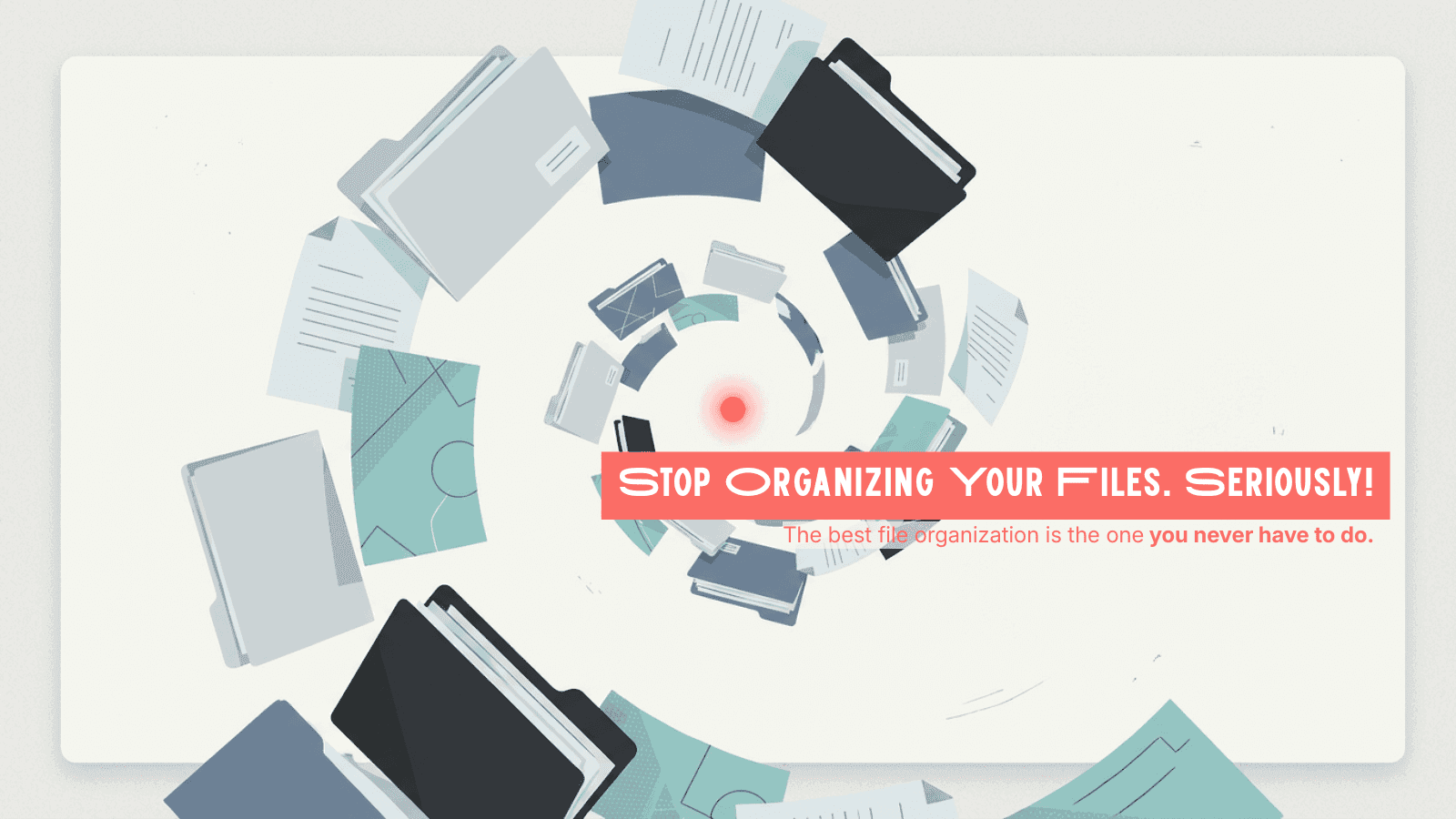
Everyone tells you to organize your files. Google has a guide. Microsoft has a guide. Your IT department has a guide. Your most organized coworker—the one who color-codes browser tabs—definitely has a guide.
And they're all right. In theory.
In practice, you renamed a folder "Q4 Final FINAL (use this one) v3" last Tuesday and moved on with your life. No judgment. We've all been there.
Here's the uncomfortable truth about file organization in 2026: the advice is solid, the execution is nearly impossible, and the entire problem shouldn't be yours to solve anymore.
Let us explain.
I. The Experts Are Not Wrong
Before we get to the punchline, let's give credit where it's due. The best minds in enterprise productivity have spent years developing file management best practices. Here's what they recommend:
1. Build a Logical Folder Hierarchy
Google's own Workspace guidelines suggest creating a clear top-down structure: Department → Project → Year → Document Type. Microsoft recommends no more than three to four levels of nesting.
The logic is sound. A well-structured folder tree means anyone on the team can navigate to the right file without asking you where it is.
The Rule: Think of your folder structure like a building. Floors, hallways, rooms. If someone new walked in, could they find the conference room without a map?
2. Adopt a Naming Convention—and Actually Use It
Every productivity guide on the internet agrees: naming files consistently is the single most impactful thing you can do.
Common formats include:
- [Date][Project][Description]_[Version] → 2026-02-19_ProjectAlpha_Proposal_v2
- [Department][Client][DocType] → Marketing_AcmeCorp_CaseStudy
The idea is that a good file name tells you exactly what's inside without opening it.
The Rule: If your file name requires a decoder ring, it's a bad file name.
3. Set Permissions and Access Controls
Google, Microsoft, and every major consulting firm recommend the Principle of Least Privilege: only give people the access they absolutely need. View-only when possible. Expiration dates on shared links. Regular permission audits.
The Rule: Sharing a file with "Anyone with the link" is the digital equivalent of leaving your front door open with a sign that says "Come on in."
4. Purge Regularly
According to Gartner, application satisfaction among employees has dropped 22% in recent years—not because tools are getting worse, but because there's too much clutter. Digital hoarding slows down search, inflates storage costs, and buries the files that actually matter.
The recommendation: schedule quarterly cleanups. Archive what's old. Delete what's dead.
The Rule: If you haven't touched a file in 12 months and it's not a legal document, it probably belongs in the trash—or at least an archive.
5. Use Metadata and Tags
Beyond folder hierarchy, experts recommend tagging files with metadata—keywords, categories, project codes—so that your search function actually works. Think of it as giving your files a passport: they carry their own identification wherever they go.
The Rule: Folders are where files live. Metadata is how files get found.
II. Now Here's Why None of This Works
Every rule above is perfectly logical. And collectively, they describe a system that almost no one maintains for more than two weeks.
According to McKinsey, the average knowledge worker spends 1.8 hours per day—nearly 9.3 hours per week—just searching for and gathering information. That's roughly 20% of the entire workweek dedicated not to doing work, but to finding the work.
Why? Because manual file organization has a fatal flaw: it depends on humans being consistent.
Humans are not consistent.
Here's what actually happens in the real world:
The Naming Convention Collapses on Day Three. You create a beautiful naming system on Monday. By Wednesday, someone uploads "scan_from_phone.pdf" and another person saves "John's notes (2).docx." Your convention isn't enforced by the system—it's enforced by sheer willpower. Willpower loses.
The Folder Hierarchy Becomes a Maze. Three levels of nesting turn into seven. Duplicate folders appear because two people created "Marketing Materials" and "Marketing Assets" independently. Files end up in both. Or neither.
Permission Audits Don't Happen. You planned to review access quarterly. It's been 14 months. That contractor who left last March still has edit access to your client folder. You'll get to it next week. (You won't.)
Purging Feels Too Risky. No one deletes files because no one is sure what's important and what isn't. So everything stays. The 47 MB PowerPoint from 2019 that nobody remembers creating? It's still there, sitting between your active contracts like a digital ghost.
Metadata Requires Discipline at Scale. Tagging one file takes five seconds. Tagging 10,000 files across a team of 30 people who all have different ideas about what "Marketing" means? That's not a system—it's a fantasy.
The result? According to IDC research, knowledge workers spend an average of 8.8 hours per week just searching for information. Gartner has noted that professionals can take up to 18 minutes to locate a single document. That's not a productivity gap—it's a productivity canyon.
The problem was never that you didn't know how to organize files. The problem is that manual organization doesn't scale, and it never did.
III. What If Your Files Just… Organized Themselves?
Here's where we stop pretending.
Everything in Section I is good advice. Everything in Section II is why that advice fails. The missing piece isn't discipline—it's automation.
In 2026, AI doesn't just help you search for files. It understands them. It reads the content, recognizes the context, and knows where a file belongs—without you lifting a finger.
This is exactly what VaultSage's AI-powered file organization does.

Instead of building folder hierarchies manually, VaultSage analyzes your documents—contracts, proposals, reports, personal notes—and categorizes them automatically based on content, not just file names.
Instead of enforcing naming conventions by committee, the AI identifies what a file is about regardless of what it's called. "scan_from_phone.pdf" gets recognized as an invoice from your vendor and filed accordingly.
Instead of quarterly permission audits you'll never do, VaultSage provides real-time access monitoring so you can see exactly who's interacting with your files and when.
Instead of agonizing over what to delete, intelligent classification helps you distinguish between active, reference, and redundant files—so you know what's Gold, what's Silver, and what's just taking up space.
Instead of tagging 10,000 files by hand, AI handles metadata enrichment across your entire library, making every file searchable in ways a manual system never could.
The experts weren't wrong about what good file management looks like. They were just describing it from a time when humans were the only option for doing it.
That time is over.
Ready to stop organizing and start working? Try VaultSage's AI-powered file management at vaultsage.ai.
Frequently Asked Questions
How much time do employees actually waste searching for files? According to McKinsey, employees spend an average of 1.8 hours per day searching for and gathering information—roughly 20% of the workweek. IDC research places this even higher at 8.8 hours per week for some knowledge workers.
What's the best folder structure for organizing digital files? Most experts recommend a three-to-four level hierarchy: Department → Project → Year → Document Type. The key is keeping it shallow enough that anyone can navigate intuitively. That said, AI-powered organizations can now automate this process entirely based on file content.
Do naming conventions really make a difference? Yes—if your entire team follows them consistently. In practice, naming conventions break down quickly across large teams. AI-based systems solve this by identifying files based on content rather than file names alone.
How often should I clean up my digital files? Most experts recommend quarterly reviews. Realistically, the best approach is to use intelligent classification that continuously identifies outdated, duplicate, or low-value files—so cleanup becomes a one-click decision, not a weekend project.
Can AI actually organize files better than humans? AI doesn't get tired, doesn't forget conventions, and doesn't create a folder called "Misc." It reads content at scale, applies consistent logic, and improves over time. For large or growing file libraries, AI organization isn't just better—it's the only approach that scales.