

Let’s start with a simple question with a complex answer: do you feel safe? More specifically, do you feel safe in a world that seems lawless? Where laws, rules and protection are not guaranteed? A true modern Wild West: high stakes, constant threats, and a thin margin for error—where anyone can lose everything.
I am talking about personal data security—the gold and silver we have dug up. If you were thinking about something else, that would be a topic for somewhere else.
In an era where over 70% of global internet users feel unsafe online, proactive data management isn't just for tech experts—it’s a survival skill. Recent findings from the Microsoft 2025 Global Online Safety Survey show that nearly 7 in 10 users were exposed to online risks in the last year, leading to a widespread trust crisis.
Whether you are protecting family photos or sensitive financial records, your digital safety hinges on three critical pillars: Storage, Access, and Risk Control.
1. Smart Storage: The Power of Less
The first step in data safety is choosing the right environment. In 2026, "saving a file" is no longer enough; you need a strategy built on minimalism. The safest data is the data you don't keep.
- Data Minimization (The New Gold Standard): Move away from hoarding. Modern safety is about shrinking your "attack surface." Before backing up, ask: Does this file hold essential value? If not, delete it. By maintaining only a lean, vital archive, you reduce the amount of information a hacker can steal.
- Verified Compliance: Only trust providers that are ISO/IEC 27001 and SOC 2 Type II certified. These aren't just badges; they are independent audits proving the company follows global best practices for managing your data and maintains operational security over long periods.
- Immutable Backups: For your most critical files, use storage that cannot be altered or deleted for a set period. According to the National University 2026 Cyber Report, malware-free attacks are rising; immutable storage is your best defense against the "wiper" ransomware that deletes data after it's stolen.
2. Granular Access: Who Holds the Keys?
Even the best storage fails if the "front door" is left unlocked. Controlling Access is about ensuring that only the right people (and devices) can interact with your information.
- Identity-Centric Defense: Move beyond simple passwords. Microsoft’s 2025 Digital Defense Report found that 97% of identity attacks still exploit weak passwords. Use Passkeys or hardware security keys (like YubiKeys) that are resistant to the AI-driven phishing scams common today.
- The Principle of Least Privilege: Only grant the level of access absolutely necessary. If you’re sharing a folder, use "View Only" permissions and set expiration links so access automatically revokes after a few days.
- Zero-Trust Networking: Treat every login attempt as a potential threat. Enable Multi-Factor Authentication (MFA) on every platform—no exceptions.
3. Proactive Risk Control: Securing the Data Lifecycle
In 2026, Risk Control is no longer just about preventing a breach—it’s about having absolute visibility into who is interacting with your information. Real-world data shows that unauthorized access often goes unnoticed for months; your goal is to reduce that "detection gap" to seconds.
- Continuous Access Monitoring: Use platforms that offer real-time alerts for shared file activity. In 2026, knowing exactly when a file was opened and from which IP address is the baseline for security. If you receive a notification for a file access you didn't initiate, you can revoke permissions instantly before a single byte of data is downloaded.
- The Power of the Audit Trail: Never share data without a "paper trail." Always use services that maintain detailed Access Logs. An airtight audit trail allows you to verify the integrity of your data by seeing exactly who viewed, modified, or shared a document. According to 2026 security trends, "Version History" is now a critical security tool, allowing you to roll back unauthorized changes made by a compromised collaborator account.
- Controlled Sharing & Auto-Revocation: Stop using permanent links. Use Granular Access Controls to set specific "sunset dates" for every shared folder. By setting an expiration link—for example, revoking access automatically after 48 hours—you ensure that your data doesn't sit in someone else’s inbox or cloud drive indefinitely, waiting to be swept up in their next data breach.
- Out-of-Band Verification: With AI-driven social engineering on the rise, never rely on a single digital request to grant access. If a trusted contact asks for access to a sensitive file, verify the request through a secondary, non-digital channel (like a phone call or physical meeting) to ensure the person behind the screen is actually who they say they are.
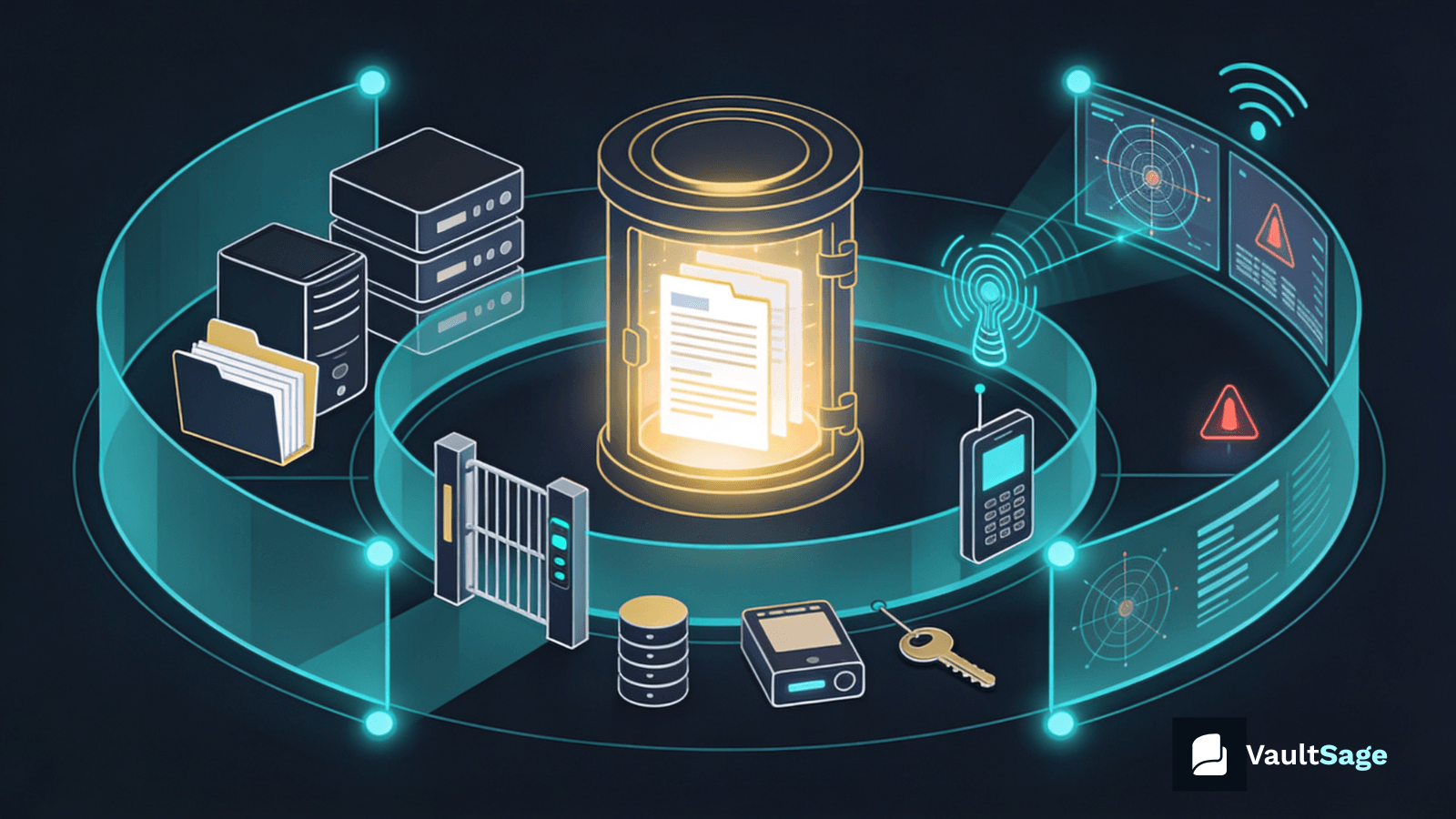
Build your own data vault for real peace of mind—or use VaultSage, built for professional skeptics who live by: “I don’t trust it until I verify it.”
VaultSage centralizes these controls with configurable features that fit your needs. In a follow-up post, I’ll break down the benefits of a unified, access-controlled vault.
Meanwhile, I hope you stay safe. I mean it.